

LTK Localization Toolkit
for LabVIEW
LabVIEW™ add-on to easily change the language of your LabVIEW application

For worldwide use of your software created with LabVIEW
- Display of user interfaces in many languages
- On the fly switching of languages with same character coding
- Integrated language management
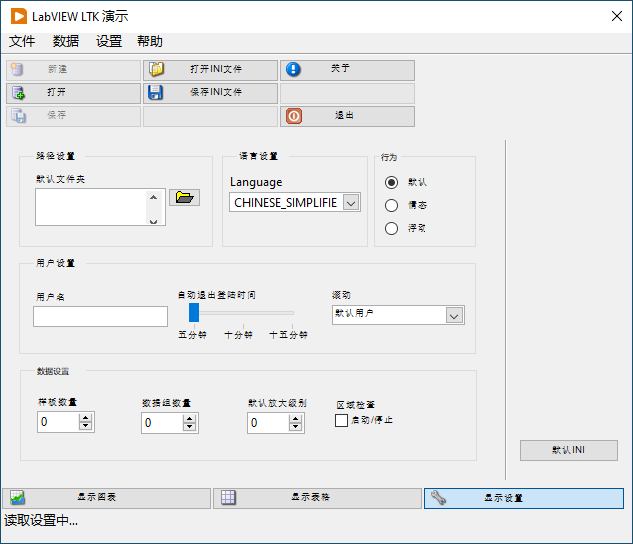
Applications with LTK
- LabVIEW application usage in a familiar language
- Display of multibyte characters such as Chinese
- On the fly switching of languages with same character coding
- Adjustment of text and labels without changing the software code
- Language-dependent adaptation of font and font size
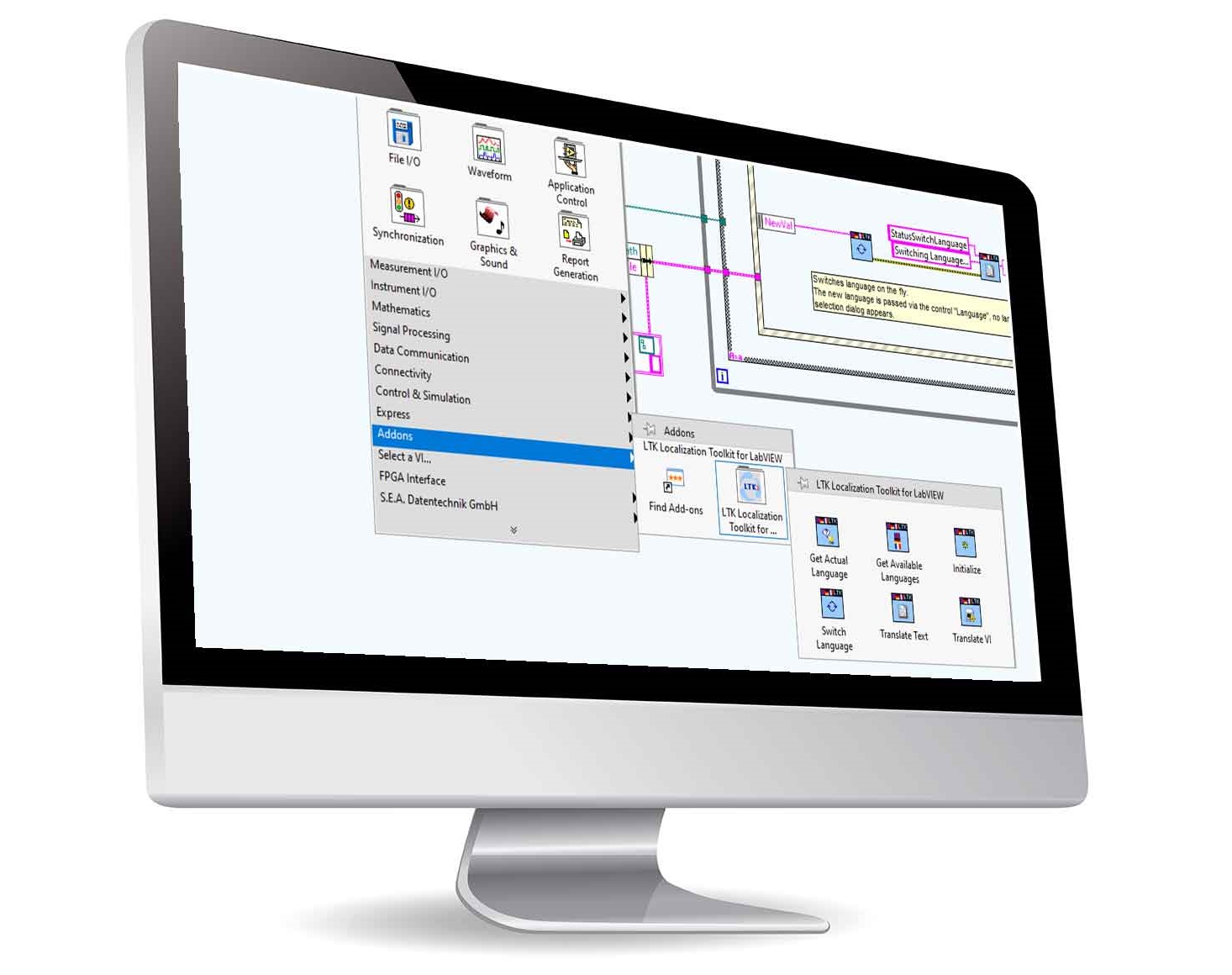
Programming with LTK
- Installation as add-on software package with LabVIEW palette and programming examples
- Translation of LabVIEW user interfaces in defined steps
- Translation of numerous front panel objects such as VI titles, menus, controls, indicators, headings and labels
- Language information of the translations is independent of the LabVIEW code
- Storage of language information in ASCII format
- Editing of translations in LTK’s own editor or externally with common editor programs or e.g. with Microsoft Excel in Unicode format
- Free 30-day trial of almost all functions
More information on the toolkit
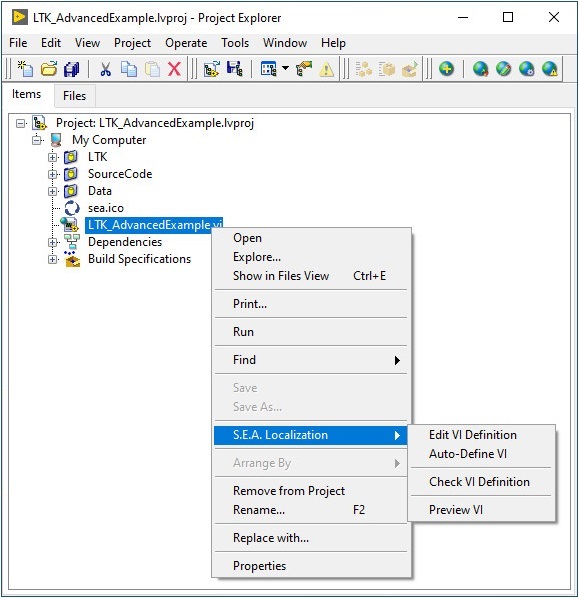
LTK supports your software development process by:
- Full integration in the project window
- Editor for defining the translations
- Consistency check of the definitions in the project
- Integrated table editor
- Preview function
- LabVIEW function palette
- Example LabVIEW projects
System requirements:
- Compatible operating systems:
Windows 7 / Windows 10 - NI LabVIEW Full Development System for Windows version 2012 or greater
LTK includes:
- LabVIEW function palette
- Editor
- Example VIs
Supported objects / components:
- See table on the right

Software & Dokumentation
- Our installation software allows you to test almost all features for 30 days. You can download the software from our LTK product page in our shop (via the Downloads button below the globe image). The trial version can be converted to a full version at any time.
- On our LTK product page in our shop you can also find the add-on documentation.
To the LTK downloads in our shop
License purchase
- You can find all licenses with further information in our shop.
We have two different license types:
- The LTK Development License is required for the development of LabVIEW software containing LTK functions.
- The LTK Deployment License is required for the distribution of a LabVIEW executable containing LTK functions.
LTK Development License
This license is a single seat license for a single developer. It is used in conjunction with a LabVIEW development environment. The use of the LTK Development License requires a LabVIEW development license. An LTK Development License allows the installation and non-concurrent use of the LTK on up to three computers by the same developer.
LTK Deployment License
This license allows the distribution of a LabVIEW executable containing LTK functions. A deployment is defined as a running EXE application on a specific PC. This means you have to count the number of the PCs where you plan to deploy your final application (i.e. build executable or EXE-file).
So if you build an application, which will be installed 5 times, you will need 5 LTK Deployment Licenses. We provide bundles with 1, 25, 100 and an unlimited number of deployment licenses.
One target PC counts just as one deployment, e.g. if you provide an update or bug-fix of your software to the same computer you will not have to increase the count of deployments.